// work with EDI in your terminal
tedi CLI
The official command-line client for Tediware.
tedi is a thin client over the Tediware API. No proprietary logic and
no licensed data live in the CLI itself, every command talks to the platform.
This early version covers a single capability: looking up the X12 reference standard, including segments, elements, and transaction sets, without leaving your terminal. It is built to grow into a companion for the rest of the platform.
Requirements
- Node.js 18.19 or newer, which includes
npm. - A Tediware API key. X12 reference lookups need an account that has accepted the current service terms. Sign up, accept the terms, then create a key on the API keys page.
Install
Install the CLI globally with npm:
npm install -g @tediware/tediAuthenticate
Sign in once with your API key. The key is entered without echo and stored locally, so it never lands in your shell history.
tedi auth loginLook up the X12 reference
Query segments, transaction sets, and elements by id:
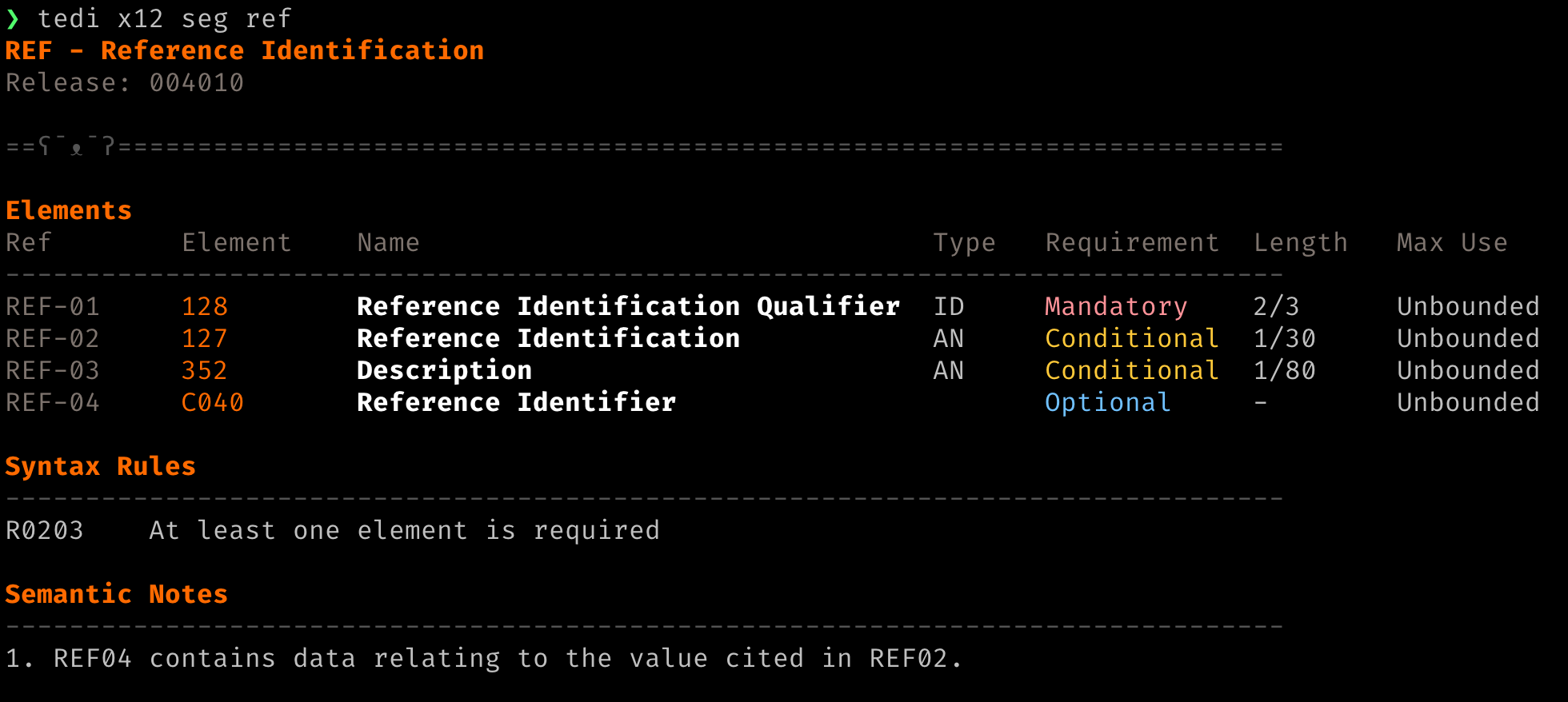
tedi x12 seg N1      # look up a segment
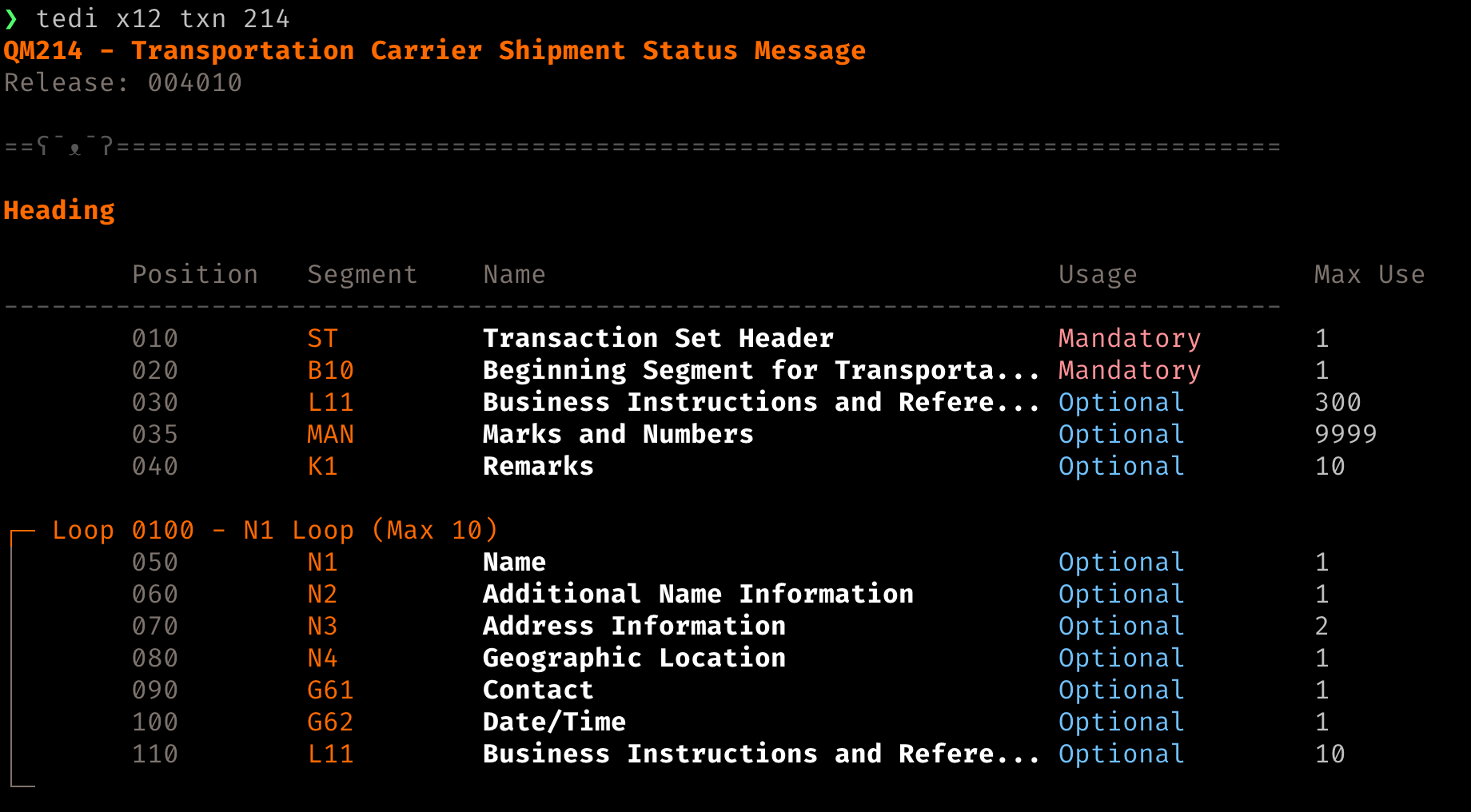
tedi x12 txn 214     # look up a transaction set
tedi x12 ele 235     # look up an element and its code list
tedi x12 releases    # list supported X12 releases
Every x12 command takes --release
to pick the X12 release and --format markdown for clean,
uncolored output you can pipe or redirect.